Batch-convert, right in your browser.
WMC Pro converts images to WebP and video to WebM in bulk — pick files or a whole folder, set your quality, and download everything as a zip. Nothing is uploaded anywhere.
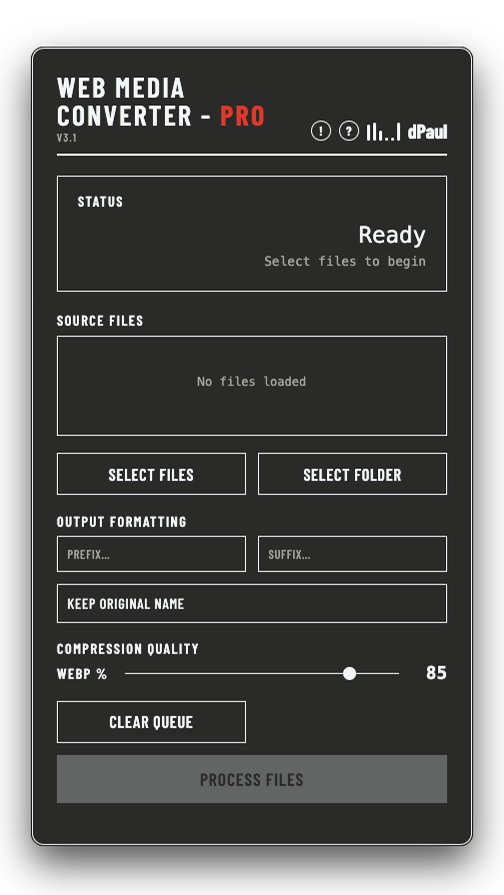
Load, name, set quality, convert.
Select individual files or an entire folder — images and video can be mixed in one batch. Images convert to WebP, video converts to WebM with audio preserved, then everything downloads individually or as a single zip.
The basics.
Files or Folder
Pick individual images or videos, or load an entire directory at once. Mix both in one batch.
Images & Video
Images convert to WebP, video converts to WebM. Audio is preserved throughout.
Custom Output Names
Add a prefix or suffix, keep original names, or replace with a number or counter.
Adjustable Compression
A WebP quality slider for images, and a WebM bitrate slider for video, so you control the size/quality trade-off.
Download or Zip
Grab converted files one at a time, or download the whole batch as a single zip.
Faster Than Playback
Video conversion speed varies with resolution and length, but typically finishes faster than the clip's own runtime.