Browser — Voice Generation
Text in. Voice out.
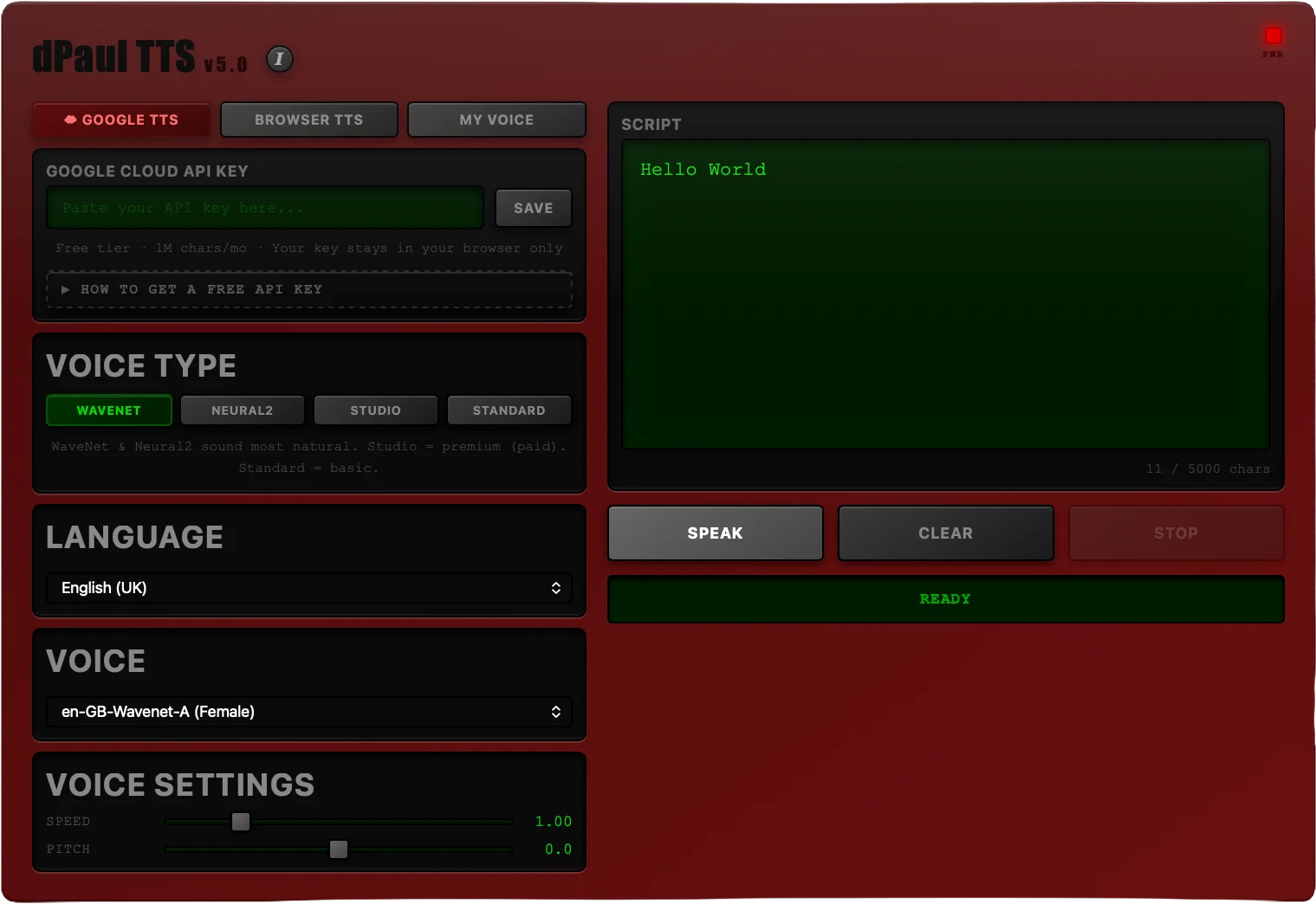
TTS turns written text into high-fidelity AI voiceover, right in your browser. Pick a voice, tune the pitch and rate, and export a clean WAV — built for quick vocal prototyping and voiceover turnaround.
No setup, no server · desktop browsers only · included with dPaul-Software subscription
How It Works
Write, tune, export.
Type or paste your script, choose from a range of voices, and adjust pitch and rate to get the read you want. TTS bridges raw text and professional-grade audio using high-fidelity AI voice models, with a clean interface that keeps the complexity out of your way.
What It Does
The basics.
Engine
AI Voice Models
High-fidelity AI voices with a browser fallback, so the tool keeps working even without the primary engine.
Voices
Multi-Voice Selection
Choose from a range of voices, then fine-tune pitch and rate for the exact read you're after.
Export
44.1kHz WAV Download
Export directly as a high-fidelity WAV file, ready to drop into an edit or a DAW.
© 2026 dPaul. All rights reserved.